 |
Gorman Moisture Meter
v1.0.0-2756
|


|
|
Gorman Moisture Meter
v1.0.0-2756
|
|
Communication with RSLinx to get the kiln number, run number, and the package number is conducted via OPC.
This is done in a simple .NET application called "GMM OPC Console".
The OPC Console is automatically started by GMM at startup, and continues to run in the background. It takes updates from RSLinx and writes them out to a temporary text file. This file is then consumed by GMM at regular intervals (normally every 1000 milliseconds), and the kiln, run, and package numbers are updated to reflect any changes.
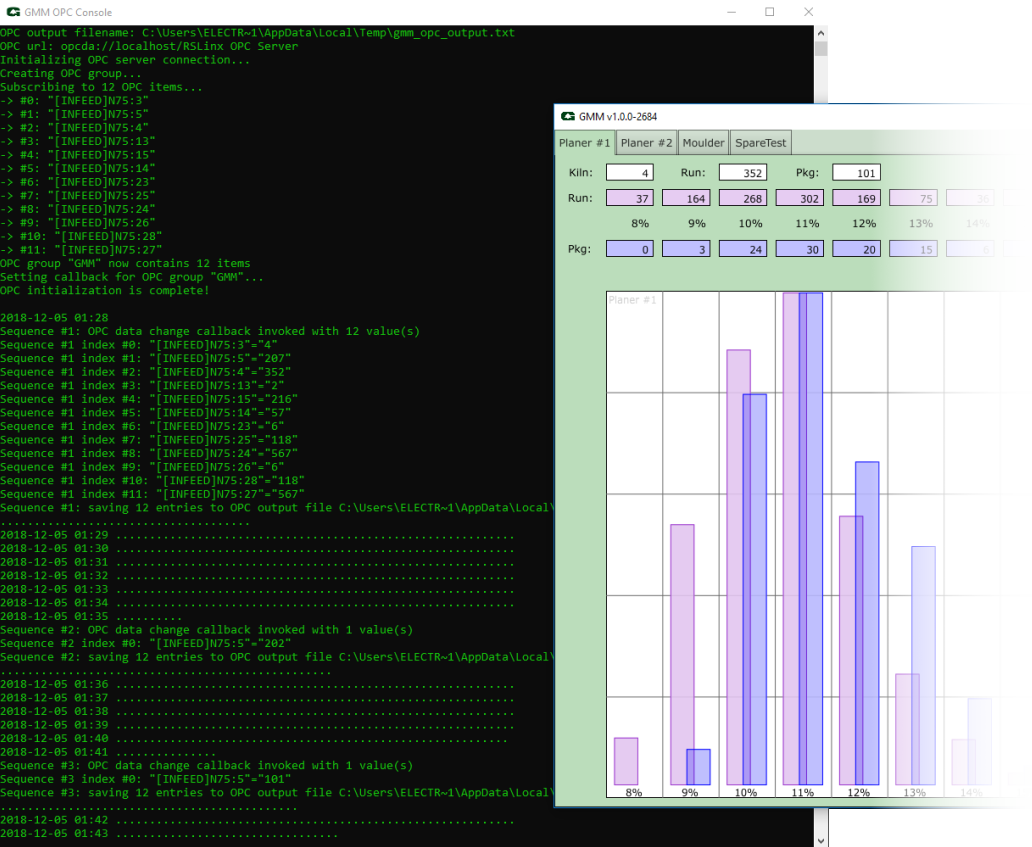
Normally, the OPC Console runs hidden in the background and never stops running until GMM is shut down. If OPC Console fails to start, or terminates abnormally, a message is shown in GMM like this:
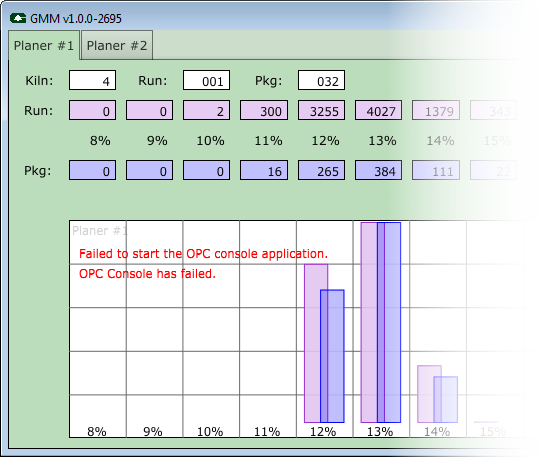
If this happens, shutdown and restart GMM, which should also restart OPC Console. If the error continues to happen, there are several things to try:
"C:\Program Files\GMM\bin\OPCConsole.cmd".opc_show_console_window to "TRUE" to ensure the OPC Console terminal window is shown on startup.  1.8.13